
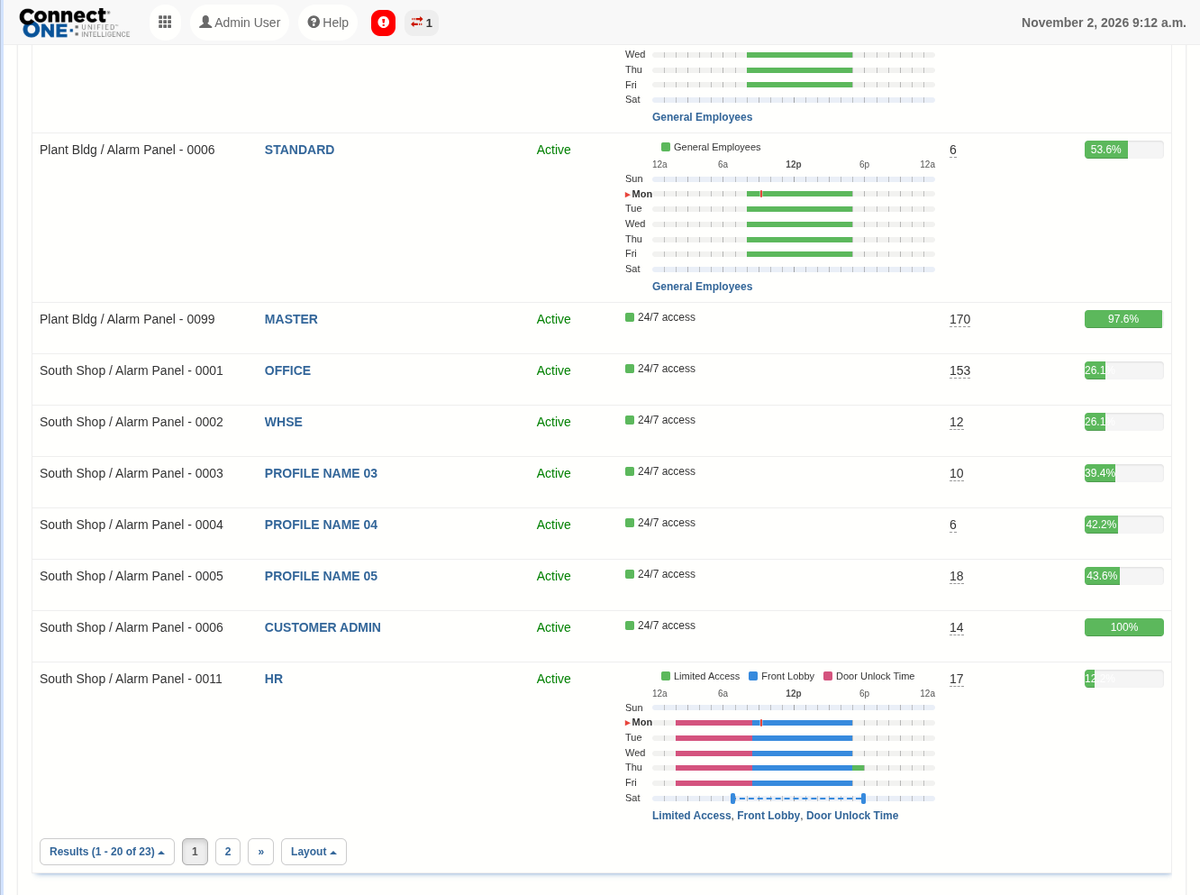
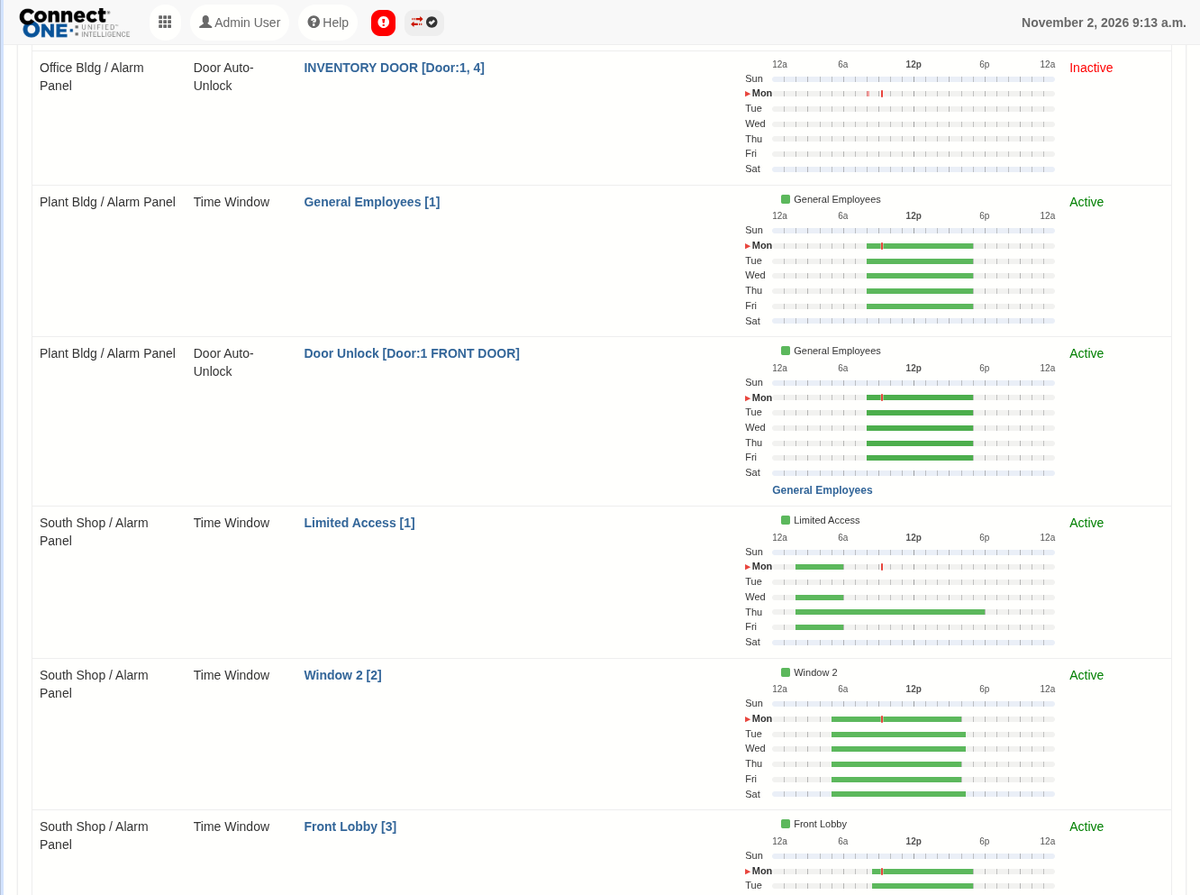
Week View on Schedule and Profile Lists
The Schedules and System Profiles lists now include a Week column that draws each schedule's or DMP profile's time windows right in the list — click it for the detail — so you can compare schedules at a glance without opening each one. Supported for DMP, Elk, Bosch (including Custom/User schedules), Honeywell, Cansec, and 2N. For DMP door and output schedules, the week view now shows when the door is actually unlocked based on its unlock and lock times. Overlapping DMP schedule times aren't combined — any lock time locks the door, even in the middle of another unlock period — so the week view makes these conflicts visible before they cause a door to lock early.
Import Users and Codes into a Template by CSV
Profile templates now have an Import option on their Assigned Users. Upload a CSV file and the users and codes are added or updated on every system in the template, with the template's profiles and permissions applied — the same result as Apply, in one step. Imports are faster across the board, and codes with a future activation date are added inactive and activated automatically on that date.
2N User Schedules and Holiday Management
2N door entry systems now support user schedules and holidays. Create up to 100 User schedules with up to 8 timeframes each (Sunday–Saturday plus Holiday), and up to 50 holidays that repeat every year or apply to a single year. Assign a schedule to a user's code or a template system, and use Save & Batch to copy a schedule to your other 2N systems. Existing time profiles are imported from the device automatically.
Learn More
Door Time Rules Now Check Each Door
Access door Time Rules now check doors individually rather than by area, so a single door left locked or unlocked outside its expected time is flagged on its own and recorded as a Time Violation event.