


Feature Blog
236+ Feature Updates
August 19, 2022
National Weather Service Monitoring to Detect, Monitor and Alert of Current Conditions
A new feature expanding the weather monitoring add-on to enrich your customers' experience! As hurricane season ramps up and with weather becoming increasingly unpredictable, getting immediate notification of changing or dangerous situations can help customers and their facilities stay safer and better respond to conditions. Connect ONE® now includes National Weather Service alert detection, a new capability that reports directly to the platform for real-time reporting. A dealer request brought this new service to life; their manufacturing customer was looking for a way to notify factory employees within the facility of a tornado warning. Using a report/event rule ...
Read More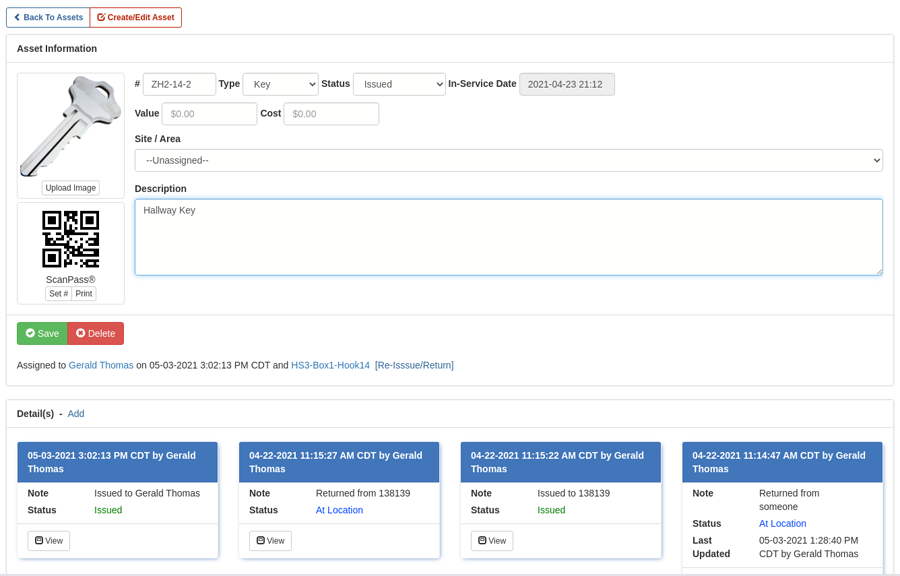
August 1, 2022
Asset Management Improvements
Usability improvements enhance your customers' experience! Asset management has seen a steady adoption from customers since it has been included in the PRO service level. We've received several suggestions on improving the usability and thus we've expanded the features available. Those include the ability to store an in-service date, value amount and replacement cost. These new fields can be updated individually or imported via csv, and may be included in a report for print or export to excel for further analysis such as year-end tax accounting. Along with the additional reporting capabilities you can also upload an image of ...
Read More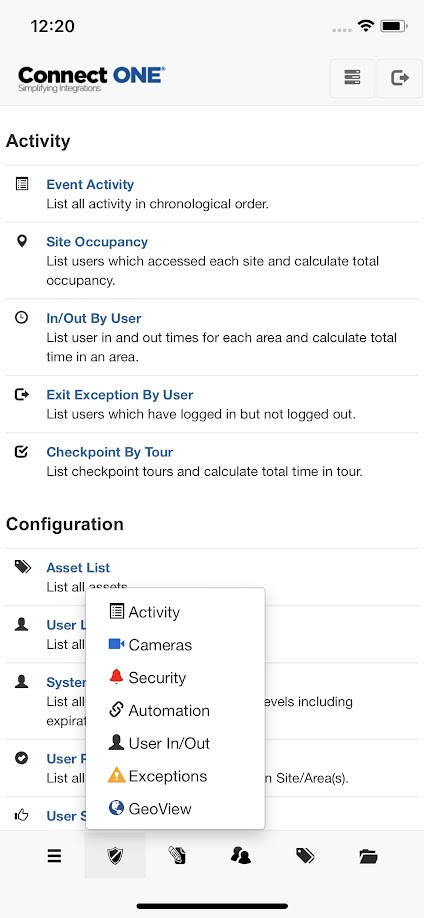
July 1, 2022
Mobile Navigation Footer Plus More
Usability improvements enhance your customers' experience! Mobile Footer Navigation: A new footer navigation section has been added to the mobile app to improve the usability for quick access to the most commonly used functions of the application. It greatly enhances the ease of use and is available in both light and dark modes. Light ModeDark Mode Temporary Schedule Improvement: When viewing schedules in a list, if a temporary date is set on the schedule the status will reflect whether or not it is pending activation or expired for quick glance convenience. Customer Usage Check: From the Dealer Site Home ...
Read MoreApril 8, 2022
Usability Improvements
Customer Management Portal Event Cases: A new option exists to manually initiate an Event Case from any event in the Monitor->Activity log, previously event cases could only be created automatically via predefined event rules. Creating an Event Case allows the response activity tracking to be initiated and immediately notify personnel to respond to a situation. Another reason to create an event case would be to record history notes about what transpired in relation to the event. User Permission Report: When checking user permissions by site/area, more options now exist to filter by system names, area numbers, and/...
Read MoreMarch 8, 2022
Usability Improvements
Customer Management Portal Monitor: The Monitor screens have been revamped with an updated Card style which supports up to 2-columns of information for status and control. Since more items can fit on the screen at one time, this reduces scrolling to find the information necessary. The original List layout may be toggled at the bottom of the results. Commands / Connection: The system commands status has been improved to show more information about the current state of the connection to the system(s) of which commands are waiting or processing. Filter Results By Site/Area: The Filter Results option has ...
Read MoreFebruary 1, 2022
Usability Improvements
Customer Management Portal Monitor Dashboards: The Monitor Dashboards (User In/Out, Exceptions, & GeoView System Mapping) now open in the same screen by default for quick glance viewing and include an option to open in a new window as needed. System Code List Export & Report: From the system codes page you can now enter a profile list, such as "Profile:1,2,10", into the search field and the results will include only the codes/cards with matching profile numbers. Also, now your filter selections are applied to the Print/Export option so only the filtered results are exported. These enhancements are also ...
Read More
January 20, 2022
SMS Messaging Enhancements
Connect ONE now offers an enhanced SMS messaging service that provides reliable delivery as a true SMS message since it doesn't utilize the carrier email to text option. The expanded SMS service is subscribed on the customer level, please see the Connect ONE price guide for package information, the price guide is available on the Home tab of the Dealer Administration Portal. The carrier email to text option will continue to be included in the base service level at no additional charge. This is a great option for critical messages which require reliable delivery and will continue without management ...
Read MoreJanuary 5, 2022
Automated Email Options for Any Report
Now any report can be triggered to be delivered via email on a schedule! An overview of supported automated report types are: Event Activity Report (List all selected activity in chronological order) Site Occupancy Report (List users which accessed each site and calculate total occupancy) In/Out by User (List user in and out times for each area and calculate total time in an area) Exit Exception (List users which have logged in but not logged out) Asset Status List (List assets with the selected status such as return overdue) User Status List (List users and their last activity ...
Read More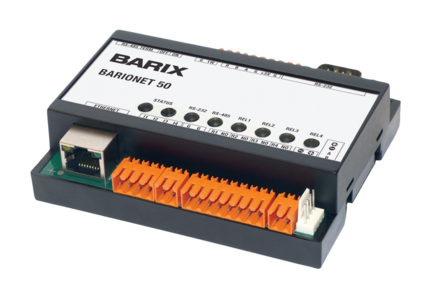
January 1, 2022
Commercial Fire Alarm Monitoring
Along with the fire alarm modes of the Bosch and DMP combination control panels you may now also connect other commercial fire panels for full-data monitoring within Connect ONE. A single dashboard for security and fire alarm events and provide integration with mass notification systems as well as instant notification of events via email, text message, and/or app push. Connect the fire alarm printer output to the RS-232 port on our Network Gateway for full-data event capture. Currently supported on Edwards, Firelite, & Notifier control panels. Please contact us for other manufacturer integrations. Capabilities include: Full-Data Event Capture Automated ...
Read More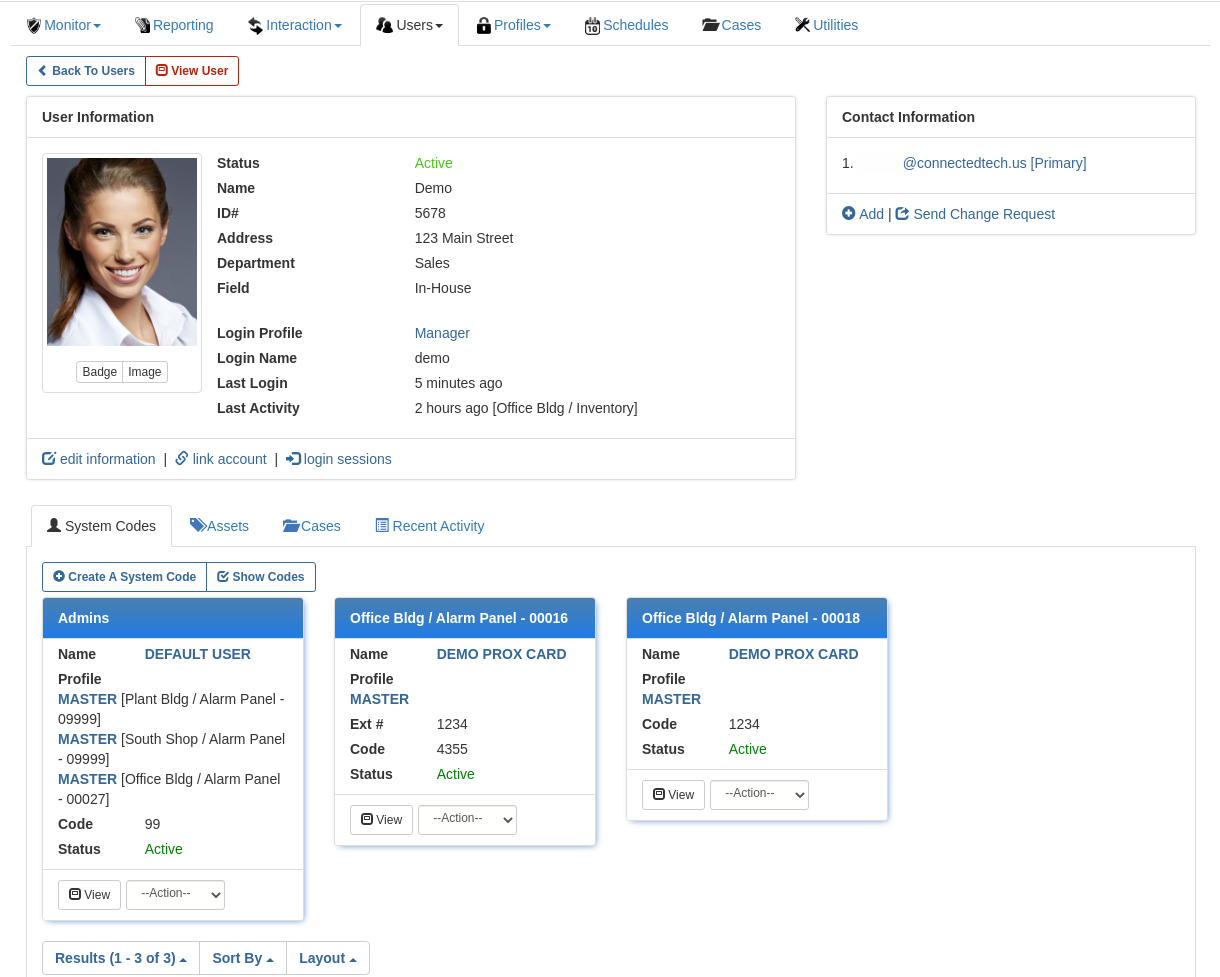
December 8, 2021
The Connect ONE User Application Gets a Fresh New Look
The browser version and mobile apps both benefit from the updated look and feel, but don't worry - we've ensured the same functionality and general layout of actionable buttons for a consistent experience without re-training necessary. The updated look should bring about an improved sense of intuitiveness and ease of use, especially in the mobile apps. User Information We've also improved dark mode support for an improved experience in dark mode as well. User Edit (Dark Mode) The new card style layout helps to show relevant record information at a glance however in the browser version if the original ...
Read MoreNovember 1, 2021
Usability Improvements
Customer Management Portal Safe Passage Reports: The award winning Safe Passage has been improved with a new report for management to view all users with their current individual safe passage status: Approved, Pending Checkpoint Access, Not Completed, Expired, or Declined. System Profile Templates: There is now a new option to easily duplicate a system profile template, this is helpful when your customer has many applied systems and they want to create a new template and make a minor change to one system for a new set of users which won't effect all of the existing applied users to the ...
Read More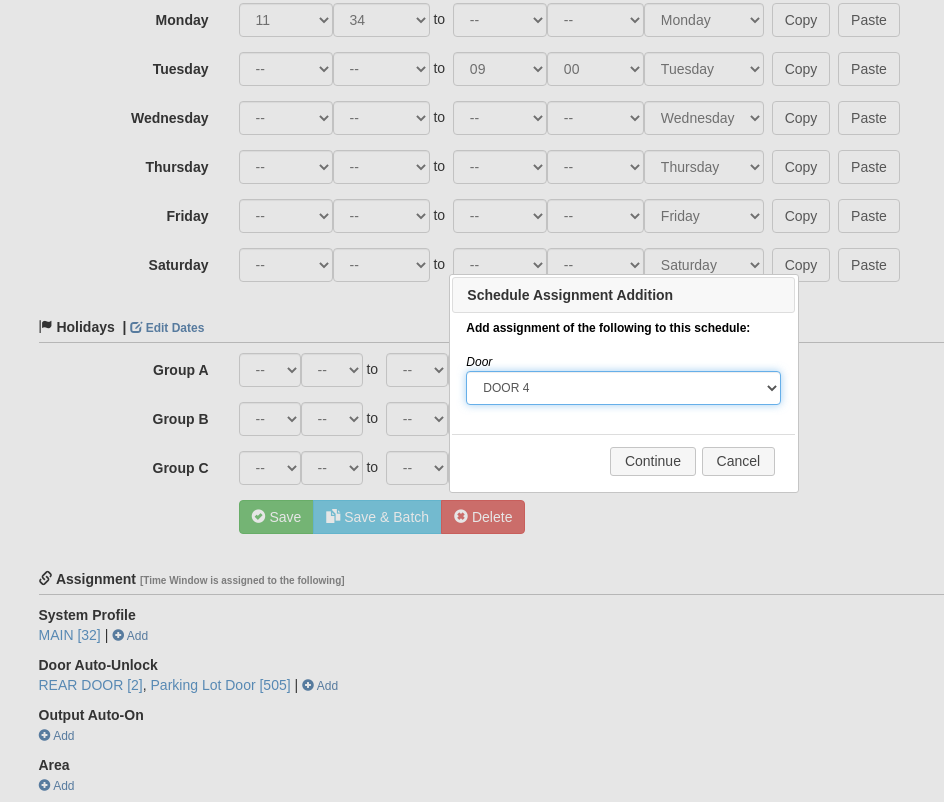
October 15, 2021
Schedule Management on DMP Panels Improved
DMP Time Window assignment can now be managed from the time window edit screen. You can add or remove assignment, of System Profiles, Areas, Doors, & Outputs. Previously assigned items were shown but could not be edited from the same screen. This feature should prove helpful for customers needing to make schedule changes on a regular basis.
Read MoreShowing 61-72 of 236 features